Advanced Anti Fraud Impressions
Advanced Anti Fraud Impressions filters fraudulent impressions out of Revive Adserver statistics, catching proxy and bot traffic with display limits, device fingerprinting and geo location control. Ad networks use it to give advertisers cleaner numbers, and it works through an anti fraud tag.
What it does
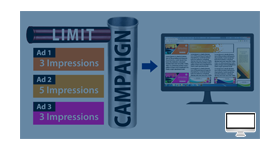
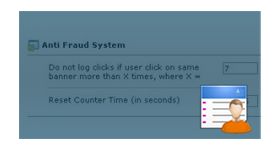
- Advertisers set how often an ad may be shown to one visitor in a given period, plus a threshold limit, and only the allowed count is logged, so repeat displays do not pad the advertiser's statistics.
- A unique device ID is generated for every visitor, which makes suspect systems easier to track and filter.
- Fingerprint identification, geo location control and consumer behaviour analysis work together to catch anonymous proxy, fraud impression and bot traffic.
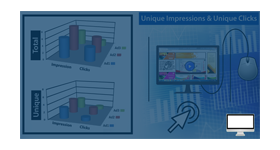
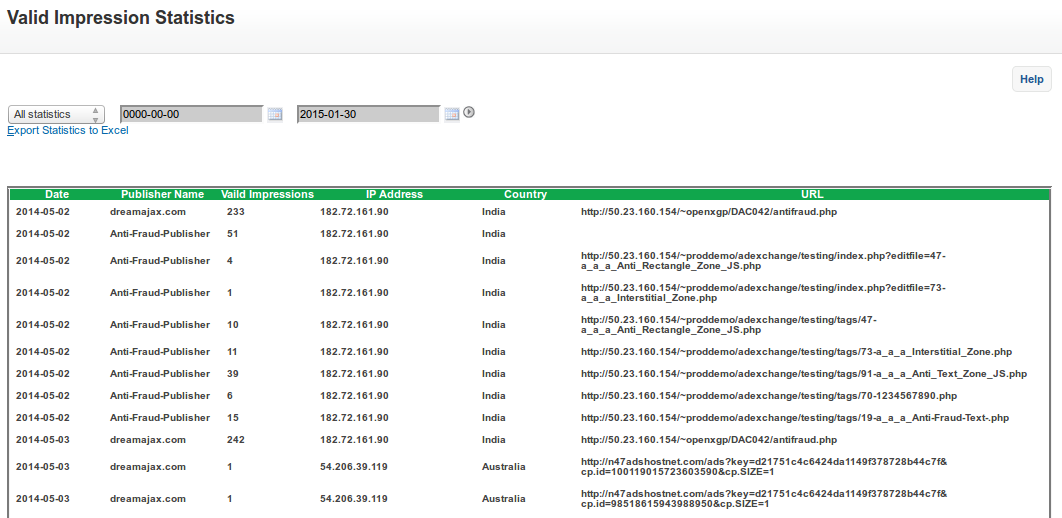
- Fraud statistics and valid impression statistics are reported separately, so the gap between the two is visible instead of buried in totals.
- Analytics reports help advertisers separate non-human traffic such as crawlers and anti-bot agents, and a penalty point feature applies to publishers.
How it fits your ad stack
Delivery is controlled through the anti fraud tag, and only counted displays are written to the log file. Invalid traffic work usually follows the MRC split between General Invalid Traffic (GIVT) and Sophisticated Invalid Traffic (SIVT). Display limits, proxy checks and device identifiers are the kind of control teams use against the general category, and MRC accreditation applies to measurement vendors, so none is claimed here. Filtering of VPN or data center traffic is not described, so check before relying on it.
Full feature details
Impression Fraud is encountered when Ads are counted as served without being displayed to visitor. This is a doom scenario faced by Online Advertising.
This type of fraudulent activities can be performed either by Malware or Virtual Browser. Impression Fraud has grown increasingly high which resulted in generating invalid traffic to ads.
A recent research study published by an organisation on “Impression Fraud” stated that fraudulent networks can deliver hundreds of millions of fraudulent impression per day. This will have a very adverse impact on advertisers, making them to lose out on fund.
“Impression Fraud tracking has never been so hard for us”.
Anti Fraud Impression plugin can be employed by Ad Network to eliminate online fraudulent transactions. This plugin will stop anonymous proxies to bypass into the site.
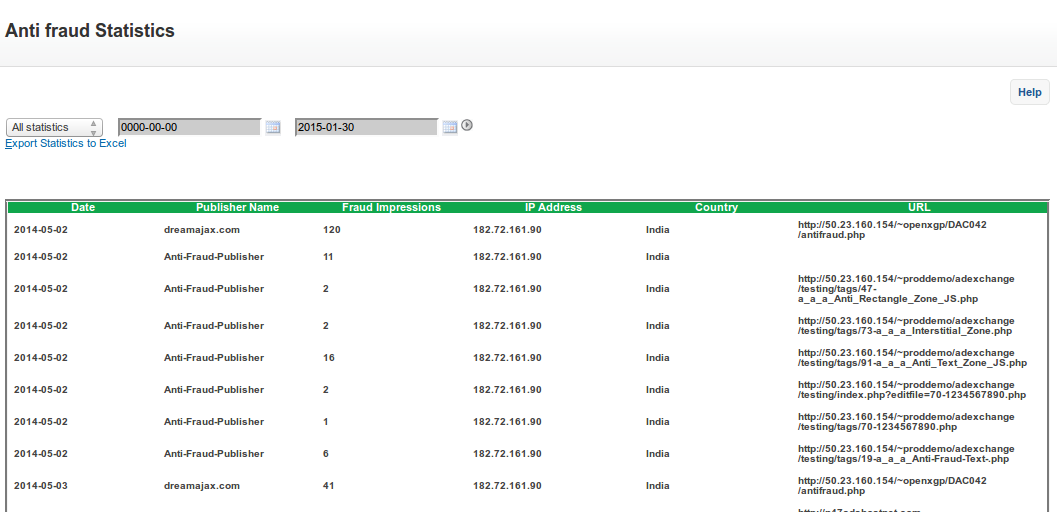
The feature of this Revive Adserver plugin will be Fraud Statistics, Valid Impression Statistics, Penalty point (Publisher).
Special Features:
- Geo Location control
- Fingerprint Technology
- Consumer Behaviour Analysis
Our Anti Fraud Tag protects from Fraud Traffic like Anonymous Proxy, Fraud Impressions, Bot Traffic etc. Finger Print Identification identifies the Unique Id of the visitor.
How this plugin works?
Advertiser can choose how many times the ad should get display in a particular period. For Ex: 2 times within 120 seconds and can also select the threshold limit (example: 1).
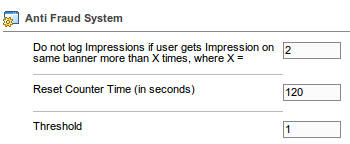
If the Visitor visits the site, Advertiser's Ad will be randomly called and displayed to the visitor for “2 “times in duration of 60 seconds and for rest of the duration (i.e. another 60 seconds) the ad will be displayed “1” time (threshold) as mentioned.
In the Log file only “2” will get counted. Unique Device Id will be generated for every visitor to the site, tracking fraudster systems is simpler by filtering based on this id. Analytics Report will further support the advertiser to identify and segregate Non-Human Traffic crawlers and Anti-Bot Agents.
Frequently Asked Questions
Included with every plugin
- Installation and setup help. We help you install the plugin on your Revive Adserver and confirm that it is working.
- 3 weeks of free support from the day of delivery, covering installation, configuration and any bug in the plugin.
- Your Revive Adserver version. Choose your version in the Product Versions drop-down on this page.
- Licenses to fit your setup. Choose Single Domain, Multi Domain or Source Code in the License drop-down.
Need changes made for your setup? Custom work and consulting are available. Contact us with your requirements.
Common questions
Which Revive Adserver versions does this plugin support?
The supported versions are listed in the Product Versions drop-down on this page. If you run a version that is not listed, contact us before ordering.
What does the free support cover?
For 3 weeks from delivery we help with installation, configuration and any bug in the plugin. Custom development and problems caused by other plugins or your hosting are not part of the free support, but we can quote them separately.
Can you adapt the plugin to my setup?
Yes. Custom work is available. Tell us what you need and we will quote it.