
Dynamic Creative and Product Feed Templates for Revive Adserver

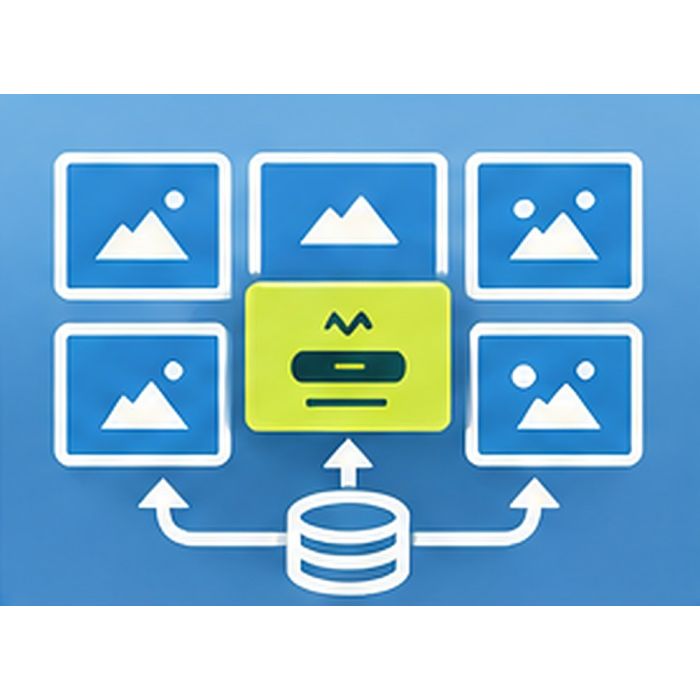
Dynamic Creative and Product Feed Templates fills HTML5 banner templates with products from a feed in CSV, XML or JSON. Advertisers and publishers show current catalog items in banners served by Revive Adserver without building a creative per product.
What it does
- HTML5 templates use placeholders that are filled from your product feed, so one template carries many products.
- The feed can be a CSV, XML or JSON URL, which lets you connect the catalog file you already maintain.
- Rule-based selection picks products by category, price range or stock flag, so a banner can show the items that suit the campaign.
- Each impression is rendered with caching, so banners are built from the feed data per impression without reading the feed every time.
- A refresh schedule and an error log keep the feed current and show when it fails, so problems are seen and fixed.
- An admin preview shows how a template looks before it goes live.
How it fits your ad stack
Templates are HTML5 banners in Revive Adserver, so standard display sizes apply: common IAB sizes include 300x250, 728x90, 160x600, 300x600, 970x250 and 320x50. Feed-based dynamic creative is a familiar practice for catalog advertising, and this pack handles the template, feed, selection and preview parts of it. Which sizes you build templates for is your choice.
Full feature details
- HTML5 templates with placeholders filled from a product feed.
- Feed sources: CSV, XML or JSON URL.
- Rule-based product selection by category, price range or stock flag.
- Rendered per impression with caching.
- Feed refresh schedule.
- Error log for feed problems.
- Preview in the admin.
Requirements
- A running Revive Adserver 6.x install.
- A product feed available at a URL in CSV, XML or JSON, with fields for category, price and stock if you want to select on them.
- Template design and sizes: supplied by you, or details confirmed at order.
- Scheduler and cache requirements: confirmed at order.
Frequently asked questions
Which feed formats can I use?
CSV, XML or JSON, each provided as a URL.
Can I choose which products appear?
Yes. Selection rules work by category, price range or stock flag.
How do I know if a feed fails to load?
The plugin keeps an error log and refreshes the feed on a schedule you set up, so failed refreshes are recorded.