





















































































































































































































Customized Statistics Reports for Advertisers & Publishers
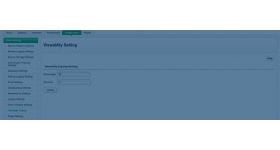
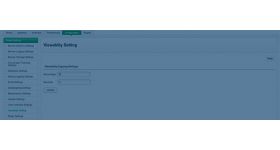
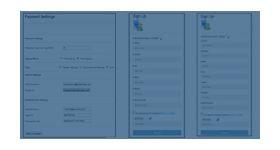
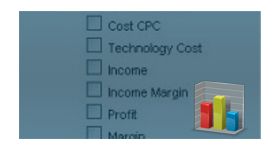
The Customized Statistics Reports plugin lets the administrator limit the statistical data each advertiser or publisher can see. Ad networks and agencies on Revive Adserver get more control than the default reporting gives.
What it does
- Default Revive Adserver shows the same report fields to every advertiser and publisher, and this plugin lets the admin restrict what each partner can access.
- The limit is enabled when a new advertiser or publisher is added, so it is a one-time setting.
- The admin can switch the limitation on or off, which keeps day-to-day management flexible.
- Other report features, such as the date range, stay unchanged.
Which fields can be restricted, and whether the setting is per user or global, are not detailed, so confirm both. The plugin limits what partners see in reports. It is not a security or privacy certification.
Full feature details
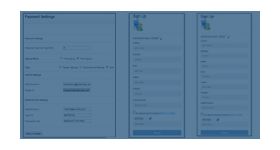
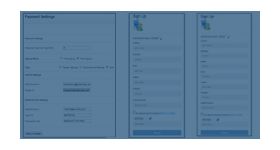
Statistics Reports are generated in Revive Adserver to compare and to display data for certain period in year/years. In default Revive Adserver, administrator can able to display the common set of parameters for all the advertiser and publisher registered with his network and he doesn’t have the control to customize the report for each advertiser and publisher with different report fields.
The Customized Statistics Reports for Advertisers & Publishers plugin limits the access of statistical data by advertiser/publisher. This Revive Adserver plugin can be installed by admin when he has an intention to secure the data and privacy of the network.
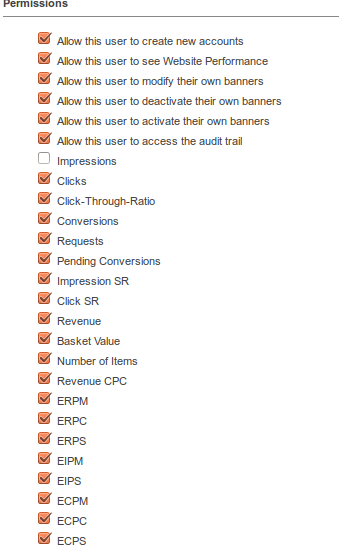
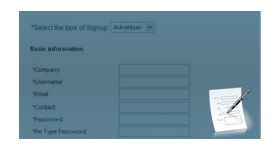
This can be enabled by the Admin at the time of adding a new advertiser/publisher to his network that means onetime setting is needed. This plugin for Revive Adserver limits the data to be displayed where the rest of the functionality of the report are kept unchanged like date range and others fields.

Advantages of installing this Revive Adserver plugin:
- Secures Admin Privacy.
- Admin can enable/disable the limitation of data access.
- Admin can effectively manage the Ad Network / Ad Agency.
Frequently Asked Questions
Included with every plugin
- Installation and setup help. We help you install the plugin on your Revive Adserver and confirm that it is working.
- 3 weeks of free support from the day of delivery, covering installation, configuration and any bug in the plugin.
- Your Revive Adserver version. Choose your version in the Product Versions drop-down on this page.
- Licenses to fit your setup. Choose Single Domain, Multi Domain or Source Code in the License drop-down.
Need changes made for your setup? Custom work and consulting are available. Contact us with your requirements.
Common questions
Which Revive Adserver versions does this plugin support?
The supported versions are listed in the Product Versions drop-down on this page. If you run a version that is not listed, contact us before ordering.
What does the free support cover?
For 3 weeks from delivery we help with installation, configuration and any bug in the plugin. Custom development and problems caused by other plugins or your hosting are not part of the free support, but we can quote them separately.
Can you adapt the plugin to my setup?
Yes. Custom work is available. Tell us what you need and we will quote it.