





































































































































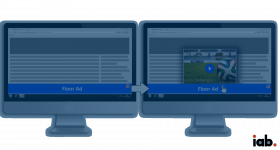





















Expanded Floor Ad format
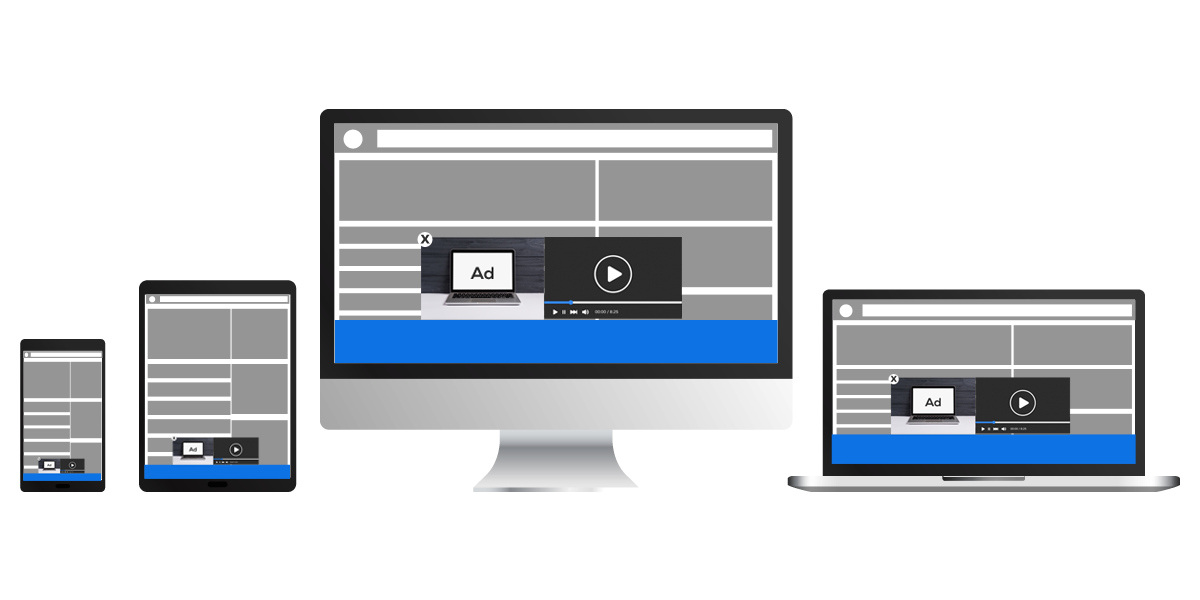
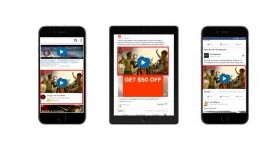
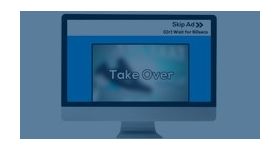
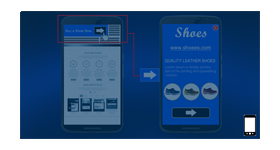
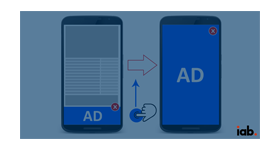
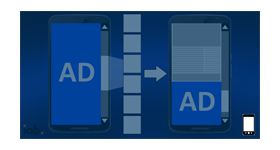
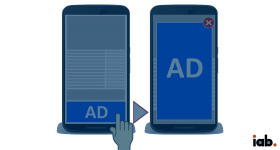
This plugin delivers a full-width floor ad at the bottom of the page with alternating images and a video that expands from the banner. Advertisers get a banner and video placement that stays present but does not block the content.
What it does
- Alternates two 300x250 images in the floor section at a set time interval, so more than one message fits in a single placement.
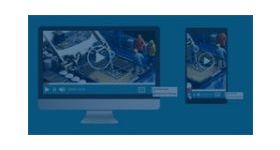
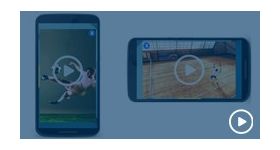
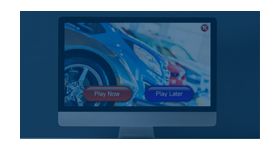
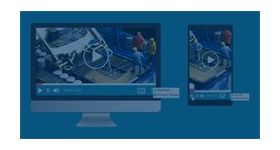
- Expands a video from the floor banner, and viewers can still close it and keep interacting with the floor ad.
- Gives each floor image its own destination URL, so each message can lead to its own page.
- Limits video to 60 seconds and offers play/pause, mute/unmute and fullscreen controls, so viewers can manage playback.
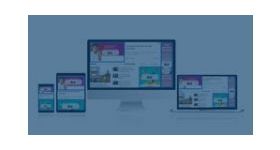
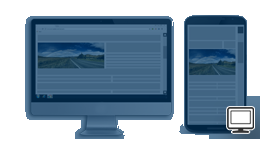
- Includes a close button and works on mobile, tablets and desktops, with the floor image spanning the window from left to right.
How it fits your ad stack
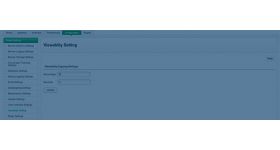
Images can be JPEG, PNG or GIF. The MRC video viewability standard counts an ad as viewable when at least 50% of its pixels are in view for at least 2 continuous seconds, a useful basis for agreeing measurement on an expandable video unit. The Coalition for Better Ads publishes Better Ads Standards that identify experiences, such as auto-playing video with sound, that fall below consumer expectations.
Full feature details
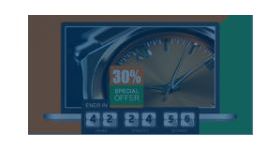
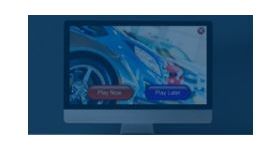
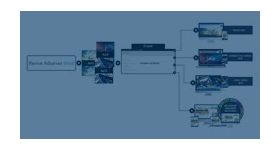
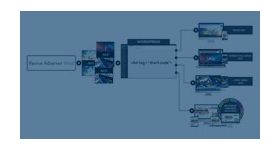
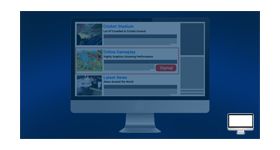
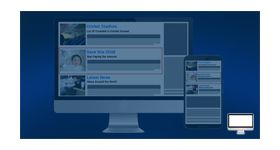
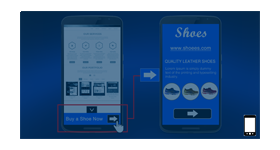
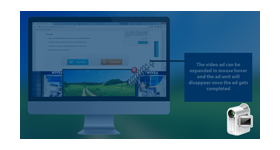
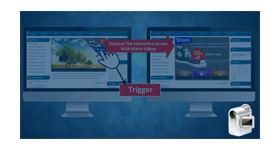
Expanded floor ad format for revive adserver can deliver ordinary ads in an exciting way at the bottom part of the browser without any hindrances. The plugin is designed to deliver full-width creatives that expand with a single image and video. Automatically changing banner images at the bottom will grasp audience attention and once the user moves the cursor above the floor image then video creative will automatically expand from the banner. Deliver creatives without disturbing the user experience.
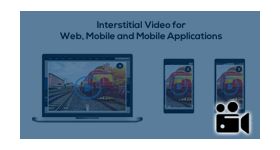
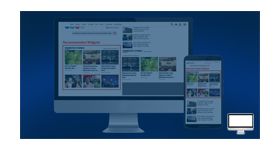
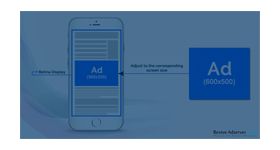
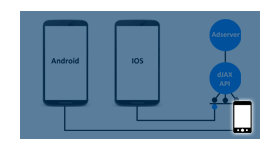
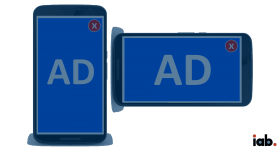
The plugin is engineered to deliver ads on all devices (mobile, tablets and desktops) and the delivered creatives are very responsive in each device. The interesting part about the plugin is two images can be updated to floor image section. These two images will take screen position one after another, resulting in an ever-changing floor image section. Each image will be delivered with one destination URL. Upon clicking the image user will be redirected to the destination page.
Two images updated for expanding image creative will have the dimension of 300x250 that will switch between each other at a specific time interval. Moreover, the maximum video length allowed by the plugin is 60 seconds. This ensures that audience attention is not distracted at any point while engaged by the creatives. When the user loads the web page, the floor image will display on the bottom part of the web page that occupies left to the right side of the window. Without user interaction, one image and one video ad will be expanded then the video starts playing automatically.
The supported image format for the creative includes JPEG, PNG, and GIF. The plugin provides expanded video creative and floor image with a close button that is accessible to the audience. Also, the video has play/pause, mute/unmute, fullscreen options. Creative delivered by the plugin grabs audience attention without causing any discomfort to the user experience.
Plugin Benefits
• Deliver user interactive ads on web pages.
• Adheres IAB guidelines.
• Improves creative impressions and clicks, thereby enhancing revenue.
• Even closing the expandable ads, the user interacts with floor an ad which is not intrusive for the users.
• Keeping the ad on the screen longer to increase the chance of consumer engagement.
Frequently Asked Questions
Included with every plugin
- Installation and setup help. We help you install the plugin on your Revive Adserver and confirm that it is working.
- 3 weeks of free support from the day of delivery, covering installation, configuration and any bug in the plugin.
- Your Revive Adserver version. Choose your version in the Product Versions drop-down on this page.
- Licenses to fit your setup. Choose Single Domain, Multi Domain or Source Code in the License drop-down.
Need changes made for your setup? Custom work and consulting are available. Contact us with your requirements.
Common questions
Which Revive Adserver versions does this plugin support?
The supported versions are listed in the Product Versions drop-down on this page. If you run a version that is not listed, contact us before ordering.
What does the free support cover?
For 3 weeks from delivery we help with installation, configuration and any bug in the plugin. Custom development and problems caused by other plugins or your hosting are not part of the free support, but we can quote them separately.
Can you adapt the plugin to my setup?
Yes. Custom work is available. Tell us what you need and we will quote it.