







































































































































































































Slider Ads
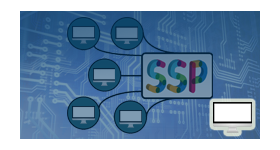
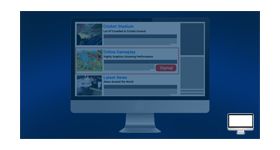
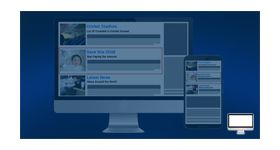
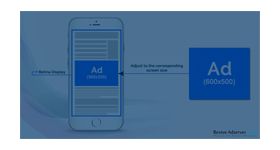
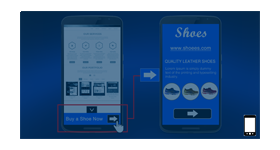
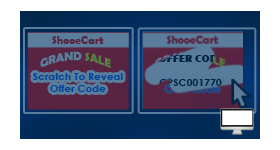
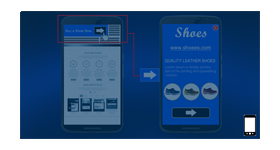
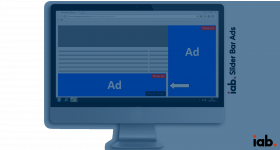
The Slider Ads plugin shows an ad in the bottom right corner of the page, fixed in place as the visitor scrolls. Publishers using Revive Adserver get a persistent placement that stays beside the content instead of over it.
What it does
- The ad holds a constant corner position while the page scrolls, so it stays in view without covering the article.
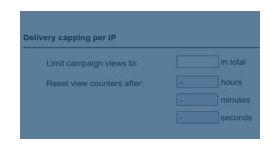
- Delivery limitations can be set on the campaign, which lets you show the ad only to targeted visitors instead of everyone.
- Both IAB standard sizes and custom sizes are supported, so one placement can carry creatives from different advertisers.
- The description positions it for special offers, events and product launches.
How it fits your ad stack
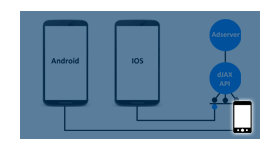
- The publisher places an invocation code on the page to deliver the ads, and campaign limitations are set inside Revive Adserver as usual.
- Listed creative formats are png, jpg and gif.
- Teams running persistent corner formats often ask how impressions are counted against the MRC display viewability definition. Viewability is measured by vendors and services, not by an ad format plugin, and the Open Measurement SDK lets third-party vendors measure and verify display ads.
Full feature details
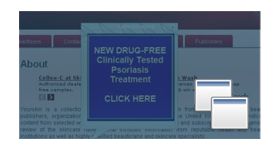
The slider ads plugin for revive ad server is used to display the ads in bottom right corner of the website, these ads will stay aside from the web content and will never annoy the customer. The position of the ad will remain constant when the user scrolls the web page and it occupies a prominent position in the site.
The ads delivered by this plugin provide high click-through rates and it cannot be blocked by pop-blockers. The plugin has options to set delivery limitations to the ad campaign and it allows a user to deliver the ads only to targeted customers.
Features of this plugin
- The plugin supports both IAB standard sizes and user-customized sizes.
- An invocation code is provided to the publisher to deliver the ads.
- Ad formats like png, jpg, gif and swf are supported by this plugin.
Frequently Asked Questions
Included with every plugin
- Installation and setup help. We help you install the plugin on your Revive Adserver and confirm that it is working.
- 3 weeks of free support from the day of delivery, covering installation, configuration and any bug in the plugin.
- Your Revive Adserver version. Choose your version in the Product Versions drop-down on this page.
- Licenses to fit your setup. Choose Single Domain, Multi Domain or Source Code in the License drop-down.
Need changes made for your setup? Custom work and consulting are available. Contact us with your requirements.
Common questions
Which Revive Adserver versions does this plugin support?
The supported versions are listed in the Product Versions drop-down on this page. If you run a version that is not listed, contact us before ordering.
What does the free support cover?
For 3 weeks from delivery we help with installation, configuration and any bug in the plugin. Custom development and problems caused by other plugins or your hosting are not part of the free support, but we can quote them separately.
Can you adapt the plugin to my setup?
Yes. Custom work is available. Tell us what you need and we will quote it.