








































































































































































VAST Mediation Plugin
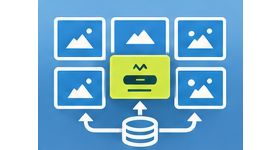
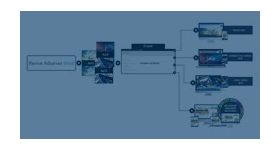
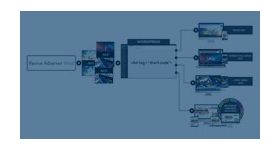
The VAST Mediation Plugin lets publishers connect several video ad networks to Revive Adserver and fill video slots from them through one VAST mediation setup. It is for publishers and ad networks selling video on display and mobile.
What it does
- Several video demand sources are managed from a single platform, so you do not run each network separately.
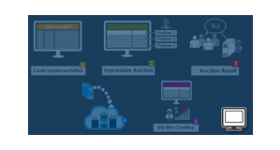
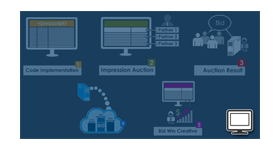
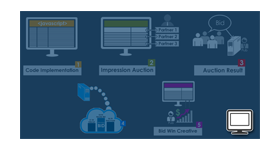
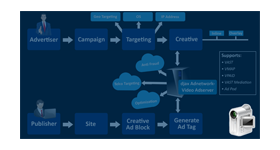
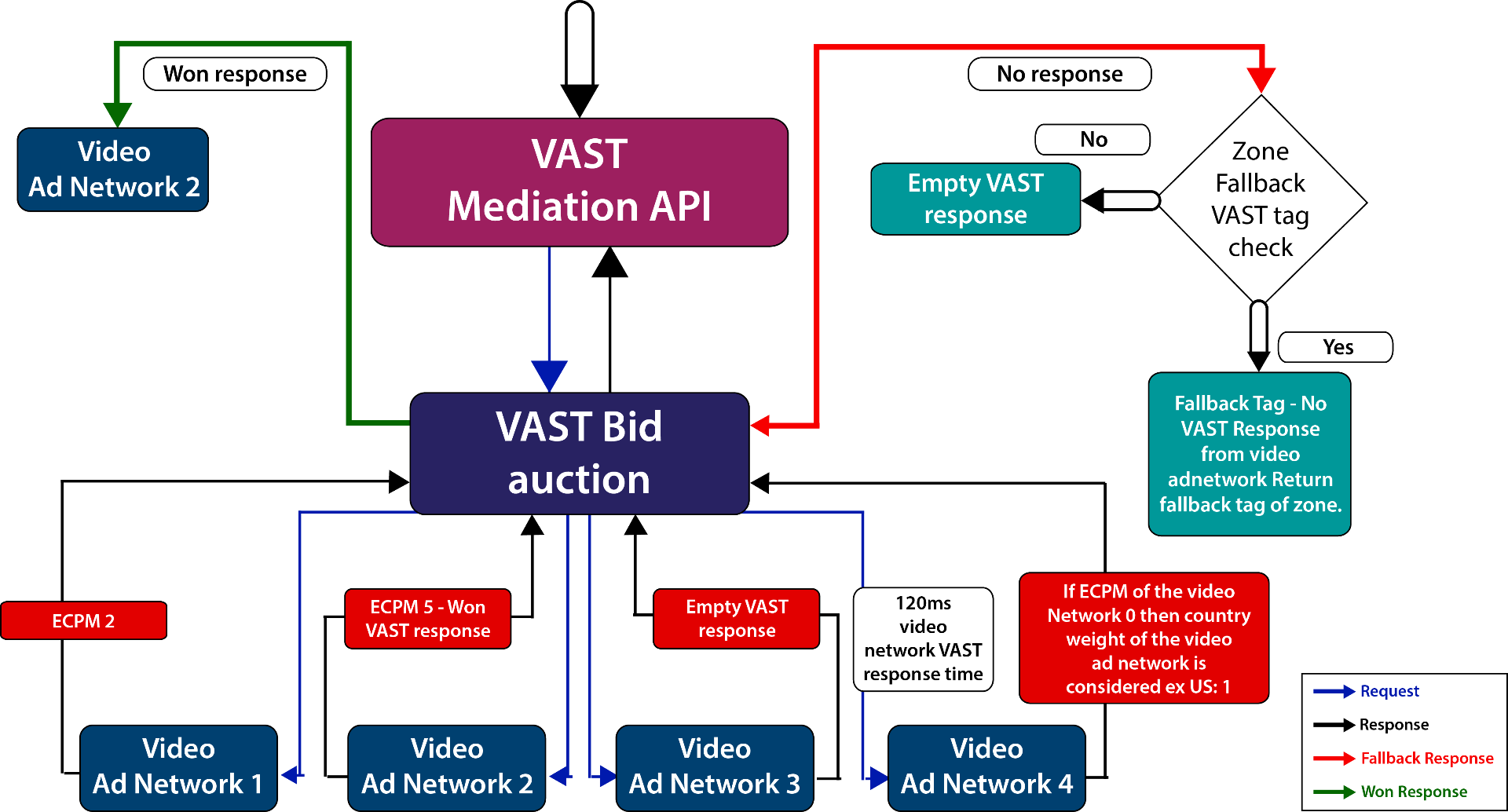
- A VAST request goes to each connected network, valid responses within the maximum response time enter an auction based on eCPM, and weights follow network performance and country weight.
- A fallback response is used when no network returns a valid ad, so slots are not left empty.
- Linear and non-linear ads, wrapper ads and skippable video are supported.
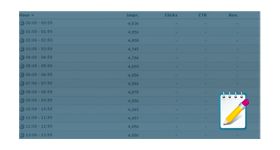
- Impressions, clicks, revenue and eCPM are shown per video ad network, and a video report per zone covers create view, quartiles, mute, full screen, pause, skip and accept invitation.
How it fits your ad stack
Macros pass zone, device, app, location and user values to the networks, and the traffic country can be selected at configuration. Because those values can include device identifiers and location, privacy rules such as GDPR and CCPA/CPRA may apply, and the IAB Tech Lab Global Privacy Platform is a transport layer for carrying consent signals. VAST 4.x is the current line, and SIMID replaces the deprecated VPAID for interactive video.
Full feature details
- VAST Ad mediation plugin for revive ad server works to ensure that publisher fill their ad slots using best vast mediated video ad networks configured.
- VAST mediation acts on a single platform providing unifies solutions for video access to demand sources.
- Supported on both the display and mobile platform the video mediation plugin seamlessly integrate and manage a number of video networks which in turn improves the overall fill-rate and eCPM.
- Through the video mediation platform publishers can maximize their revenue by serving top performing video ad formats from the leading video ad networks.
- The VAST mediation plugin is a weighted mediation platform and Weights are determined by the performance of video ad network (eCPM) and Country weight.
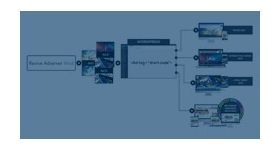
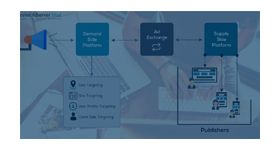
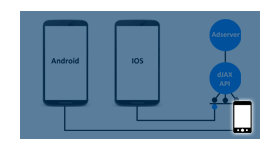
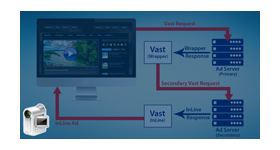
- VAST mediation API sends a VAST request to the connected video ad networks and waits for maximum response time. And if the request returns a valid response then it is taken further for bid auction.
- The bid auctions would be taken based on the eCPM and returns the ads from own video networks.
- At the time of configuration the VAST mediation API provides the option to select the country in which the traffic should serve. And based on the users’ location the VAST request is sent to the video ad network.
Configuration of DSP/Video Ad network
Any number of video ad networks that support VAST mediation can be configured.
Supported ad types
VAST mediation plugin is supported for
- VAST 2.0 and VAST 3.0 Linear and Non Linear Ads
- Third party Video/ Wrapper Ads
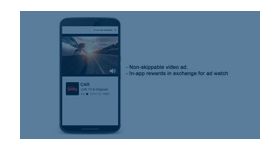
- Video ads which can be skipped
- VPAID 1.0 and VPAID 2.0 event support
Fallback support
In case none of the video networks provide a valid response then a fallback response would be initiated from the VAST mediation API.
Supported macros
Following are the macros supported for VAST Mediation and Vast Video ads
- ${F_ZONEID} - Zone Id (Site Id)
- ${MF_VIDEO_LENGTH} - Video Content Length.
- ${MF_INV_REFERER} - Video display URL
- ${MF_DEV_OS} - Device OS
- ${MF_DEV_OSV} - Device OS version
- ${MF_DEV_IP} - User IP
- ${MF_DEV_UA} - Browser useragent
- ${MF_DEV_IFA} - Device Apple IDFA, Google Advertising ID or Roku RIDA (Clear Text/Unhashed)(Sample: 38400000-8cf0-11bd-b23e-10b96e40000d)
- ${MF_DEV_APP_BUNDLEID} - App BundleID(Ex:com.exampleapps.example
- ${MF_DEV_APPNAME} - App Name
- ${MF_DEV_MAKE} - Device Manufacturer
- ${MF_DEV_MODEL} - Device Model
- ${MF_LOC_LAT} - Device Latitude
- ${MF_LOC_LONG} - Device Longitude
- ${MF_CB} - Cache buster random value
- ${MF_ADSPACE_WIDTH} - Player width or adslot width
- ${MF_ADSPACE_HEIGHT} - Player height or adslot height
- ${MF_USER_YOB} - User Year of birth
- ${MF_USER_GENDER} - User Gender
- ${MF_VPI} - Specifies the type of creative we returnex: .MP4
Tracking
Track the video impressions (or) clicks and the revenue for a zone either by considering the eCPM value filled or the country weight.
You can track the following events for video
- Create view
- Start
- 25% completed
- 50% completed
- 75% completed
- 100% completed
- Mute/Unmute
- Full-screen/Exit full-screen
- Pause
- Skip
- Accept invitation
- Reporting/Video Statistics
Video reports
You can view the following on the new report page
- Zone name
- Create view
- Start
- 25% completed
- 50% completed
- 75% completed
- 100% completed
- Mute/Unmute
- Full-screen/Exit full-screen
- Pause
- Skip
- Accept invitation
Video Ad network Statistics
The following details can be viewed on the ad networks’ performance
- Ad network name
- Impressions
- Clicks
- Revenue
- eCPM
Frequently Asked Questions
Included with every plugin
- Installation and setup help. We help you install the plugin on your Revive Adserver and confirm that it is working.
- 3 weeks of free support from the day of delivery, covering installation, configuration and any bug in the plugin.
- Your Revive Adserver version. Choose your version in the Product Versions drop-down on this page.
- Licenses to fit your setup. Choose Single Domain, Multi Domain or Source Code in the License drop-down.
Need changes made for your setup? Custom work and consulting are available. Contact us with your requirements.
Common questions
Which Revive Adserver versions does this plugin support?
The supported versions are listed in the Product Versions drop-down on this page. If you run a version that is not listed, contact us before ordering.
What does the free support cover?
For 3 weeks from delivery we help with installation, configuration and any bug in the plugin. Custom development and problems caused by other plugins or your hosting are not part of the free support, but we can quote them separately.
Can you adapt the plugin to my setup?
Yes. Custom work is available. Tell us what you need and we will quote it.