














































































































































Geo Zip-Code Targetting
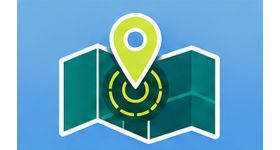
Geo Zip-Code Targeting delivers ads in Revive Adserver only to visitors in selected zone or postal codes. Advertisers use it to reach local audiences.
What it does
- Ads reach only the chosen zone addresses, so local campaigns do not spend on distant visitors.
- Several zone addresses can be picked at once to cover multiple locations.
- Reports on users in the selected locations let advertisers analyse goals by user count.
How it fits your ad stack
The advertiser can change the zonal address as the campaign needs, and targeting works by zone code or postal code. The source of the geo data that supplies the codes is not described. Postal-code targeting relies on visitor location, and teams commonly check GDPR, CCPA/CPRA and consent handling before running local campaigns.
Full feature details
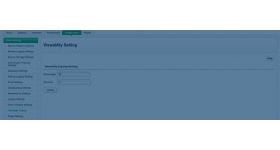
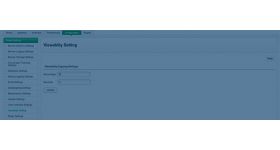
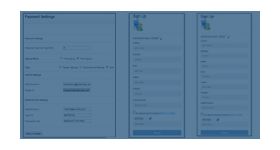
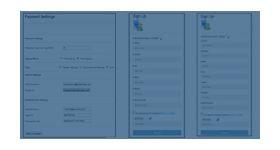
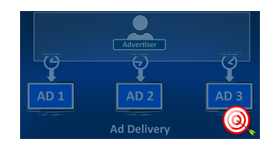
Geo zip code targeting plugin for revive ad server is used to target the visitors based on the zone code or postal code. The plugin will deliver the advertisements to the customers who are in the selected zonal codes.
The advertiser can change the zonal address according to their needs and target the particular group of audience. The user can select more than one zonal address and aim multiple locations.
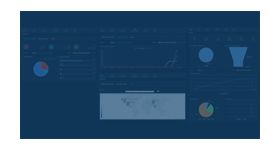
The plugin generates statistical reports for the users present in the selected location. The report allows the users to analyze the goals based on the count of users and increase the sales percentage.
Benefits of the plugin
- The advertiser can deliver the advertisements to particular zonal addresses.
- The plugin helps to improve the revenue of publisher and the advertisers.
Frequently Asked Questions
Included with every plugin
- Installation and setup help. We help you install the plugin on your Revive Adserver and confirm that it is working.
- 3 weeks of free support from the day of delivery, covering installation, configuration and any bug in the plugin.
- Your Revive Adserver version. Choose your version in the Product Versions drop-down on this page.
- Licenses to fit your setup. Choose Single Domain, Multi Domain or Source Code in the License drop-down.
Need changes made for your setup? Custom work and consulting are available. Contact us with your requirements.
Common questions
Which Revive Adserver versions does this plugin support?
The supported versions are listed in the Product Versions drop-down on this page. If you run a version that is not listed, contact us before ordering.
What does the free support cover?
For 3 weeks from delivery we help with installation, configuration and any bug in the plugin. Custom development and problems caused by other plugins or your hosting are not part of the free support, but we can quote them separately.
Can you adapt the plugin to my setup?
Yes. Custom work is available. Tell us what you need and we will quote it.