























































































































































Basic Drupal Plugin for Revive Adserver

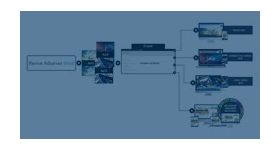
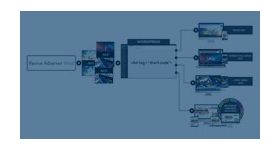
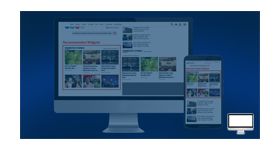
The Basic Drupal plugin delivers Revive Adserver zones through Drupal blocks, so ads can be placed in layout regions such as header or help areas. Drupal publishers keep campaign management in Revive Adserver.
What it does
- Assigning a block to a layout region places ads on the site, and each block holds a zone ID, an invocation method and default visibility settings.
- Existing Revive Adserver zones and campaigns are used as they are, so nothing needs rebuilding inside Drupal.
- Banner statistics and campaign management stay in the Revive Adserver dashboard, which keeps reporting in one place.
- JavaScript, asynchronous JS, iFrame, N banner, HTML5 player and interstitial image tags are available as invocation methods.
- Image, text, HTML, HTML5, interstitial and video banners are compatible, with PNG, GIF and JPG images and MP4, WebM and Ogg video; interstitial image files should stay at or below the stated 150kb limit.
How it fits your ad stack
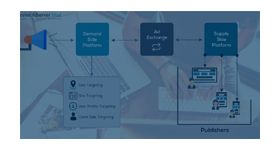
The module is the Drupal-side layer only; zones, banners and campaigns remain in Revive Adserver. Common IAB standard display sizes include 300x250 medium rectangle, 728x90 leaderboard and 160x600 wide skyscraper, and ads.txt lets buyers verify who is authorized to sell inventory. These are planning context, not features listed for this module.
Full feature details
Drupal plugin for Revive Ad Server helps to deliver the revive ad campaigns anywhere on your Drupal website. Easy to install and integrate plugin that plays an imperative part in delivering ads using blocks. Supports JavaScript, Asynchronous JS, and IFrame Invocation Code. Create blocks where display banners is targeted to appear on the website using revive programmed blocks for the selected invocation tag. Zones you set up in Revive Adserver are easily added within each block. All banner statistics are tracked within Revive Adserver’s dashboard as well as setting up and managing your ad campaigns.
Module Highlights
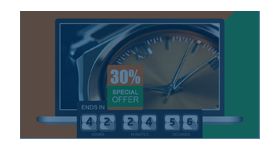
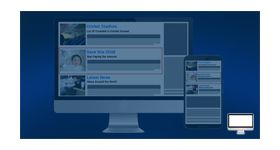
• Advanced N banner Rotation
Auto-rotating banners carrying multiple advertiser ads is an added advantage. Banners will change automatically without page reloading in a set time interval and this increases the probability of getting more clicks and conversions for publishers.
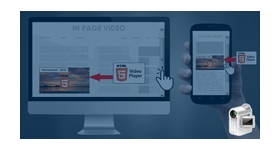
• Inline Video
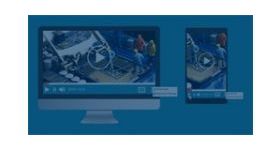
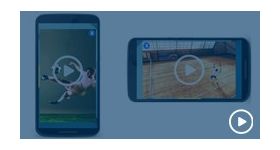
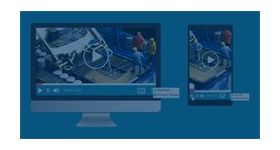
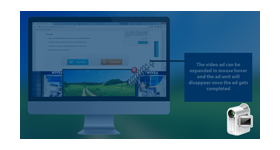
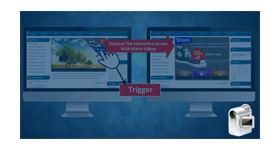
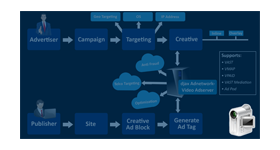
HTML5 player for video helps deliver creatives on HTML5 enabled players over the web. The distinct feature of ads with this player is that the viewer has more control and interaction over the ads.
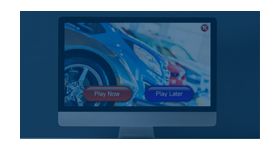
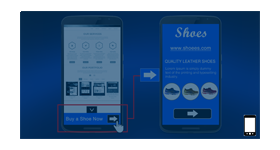
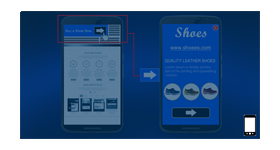
• Interstitial Ad
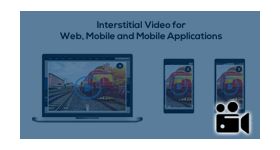
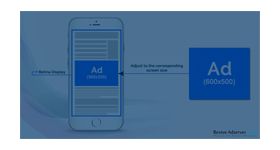
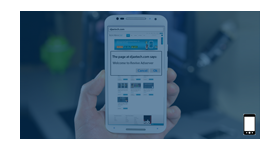
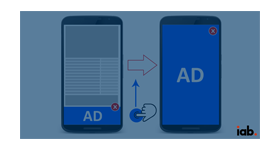
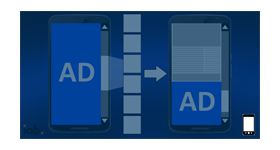
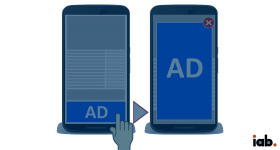
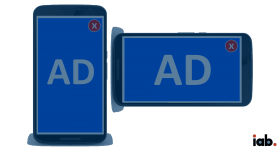
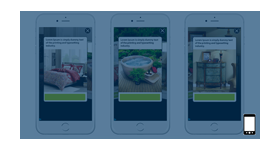
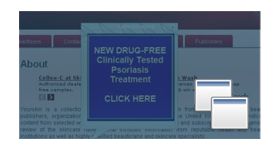
Ads that take up the entire screen space of the host device are called interstitial ads. Interstitial image for the web, mobile offers an opportunity for both the publisher and advertiser to enhance their revenue. A close button on the right corner of the ad will be displayed, if the user wishes to end the creative immediately. The size of the file must be 150kb or below, so that the creative can load faster without any hindrances
• Place Block
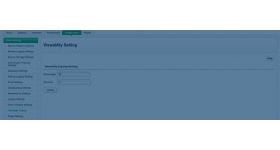
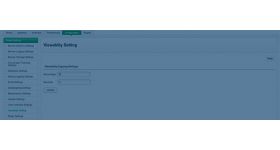
In the block layout assign the module to anywhere of the website like Header, Form, Help, etc., Configure custom adblock with Zoneid, Invocation Method and default visibility settings.
Invocation Method
• Javascript Tag
• Asynchronous JS Tag
• IFrame Tag
• N Banner Tag
• HTML5 Player Tag
• Interstitial Image Tag
Compatible Ad formats
• Image banner
• Text banner
• HTML banner
• HTML5 banner
• Interstitial banner
• Video banner
Supported Formats
• Image - Png, Gif, Jpg
• Video - Mp4, Webm, Ogg
User controls HTML5 player
• Full screen/Exit full screen
• Media Pause/Play
• Player image display before starts to play the video and once user play video user can control
Frequently Asked Questions
Included with every plugin
- Installation and setup help. We help you install the plugin on your Revive Adserver and confirm that it is working.
- 3 weeks of free support from the day of delivery, covering installation, configuration and any bug in the plugin.
- Your Revive Adserver version. Choose your version in the Product Versions drop-down on this page.
- Licenses to fit your setup. Choose Single Domain, Multi Domain or Source Code in the License drop-down.
Need changes made for your setup? Custom work and consulting are available. Contact us with your requirements.
Common questions
Which Revive Adserver versions does this plugin support?
The supported versions are listed in the Product Versions drop-down on this page. If you run a version that is not listed, contact us before ordering.
What does the free support cover?
For 3 weeks from delivery we help with installation, configuration and any bug in the plugin. Custom development and problems caused by other plugins or your hosting are not part of the free support, but we can quote them separately.
Can you adapt the plugin to my setup?
Yes. Custom work is available. Tell us what you need and we will quote it.